Reading desk / Feature 02
Read the task before the race.
A racing label leaves room for different objectives. Compare the supplied task, then check the actual controls after launch.
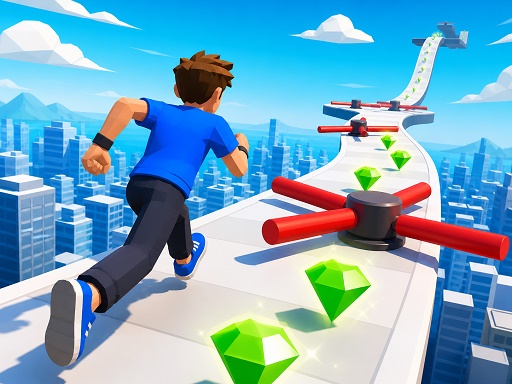
Car Stunt Master 3D
Catalogue excerpt: Take control of a powerful sports car and conquer spectacular sky-high stunt tracks. Race across ramps, loops, and narrow platforms, perform daring jumps, and reach the finish without falling. Web
Read what this listing asks the player to achieve. A racing-category label alone does not tell you whether speed, positioning, timing or another constraint matters most. Listed controls: Mouse/Touch.
Car Destruction King
Catalogue excerpt: A adrenaline-fueled 3D vehicular combat and derby arena game where power, speed, and total destruction reign supreme! In Car Destruction King, take the wheel of heavily fortified vehicles, slam into
Compare the stated task with the first game. Use the description to choose a starting point; do not assume that every vehicle game uses the same steering, acceleration or camera controls. Listed controls: Mouse/Touch.
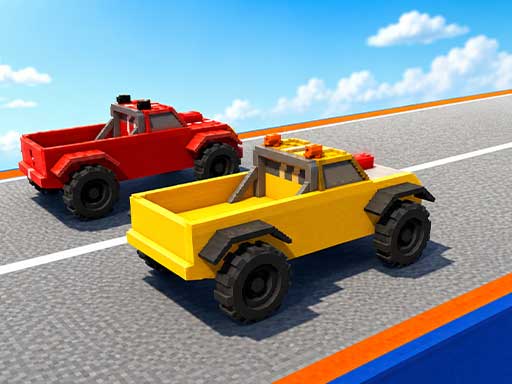
Faster Car Race
Catalogue excerpt: Get ready for the ultimate adrenaline rush in Faster Car Race, a high-octane mobile racing experience designed to test your reflexes and driving skills to the absolute limit. Put the pedal to the
Check the game’s own instructions after launch. A broad input label is not a promise that every browser, touch screen or keyboard will work. Listed controls: Mouse/Touch.
Follow the thread
In the index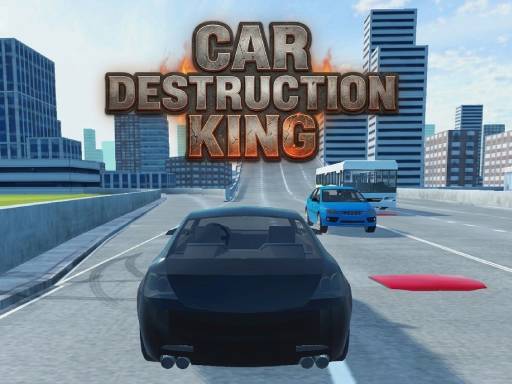

A note on this feature
These observations use the game descriptions and control notes in the catalogue. They are starting points, not a claim that every game has been tested on every device. Check the provider’s opening instructions after launch.
Browse the racing index ↗